





Leads Go Cold
When replies are delayed and follow-ups are missed, it becomes harder to convert high-intent WhatsApp leads into paying customers.

 Official WhatsApp Business API
 Meta Business Partner
Whinta is the omnichannel messaging platform — run WhatsApp broadcasts and AI chatbots, launch voice agents and business calling, send branded RCS, and build it all on one developer-friendly API.
One platform, every channel
Meet customers on the channel they prefer — WhatsApp, Voice, RCS, or your own app via API — from a single workspace, one contact profile, and one bill.
Not sure which channels fit? We’ll map it to your customer journey.
Book a demoWhy Whinta
Official infrastructure, trusted plugins, and onboarding that respects your time—whether you are on WordPress or a custom stack.
Production-grade messaging on Meta’s official Business API—not unofficial workarounds.
Learn moreAligned with Meta’s partner ecosystem, tooling, and recommended implementation patterns.
Learn moreConnect your storefront: orders, updates, and shopper conversations in one WhatsApp thread.
Learn moreTurn every CF7 submission into a qualified WhatsApp conversation—automatically.
Learn moreGuided setup, sensible defaults, and a path to your first live template in minutes.
Learn moreTeams in retail, services, education, and more run daily support and campaigns on Whinta.
Learn moreWhy teams switch to Whinta
When your leads, support conversations, campaigns, and payments are scattered across tools, your team slows down and revenue slips through the cracks.
When replies are delayed and follow-ups are missed, it becomes harder to convert high-intent WhatsApp leads into paying customers.
Handling the same queries again and again without automation leads to slower responses and inconsistent customer support experiences.
Your WhatsApp campaigns, CRM, ads, and payments should work together, not in silos. Managing multiple tools only adds complexity and manual effort.
Platform overview
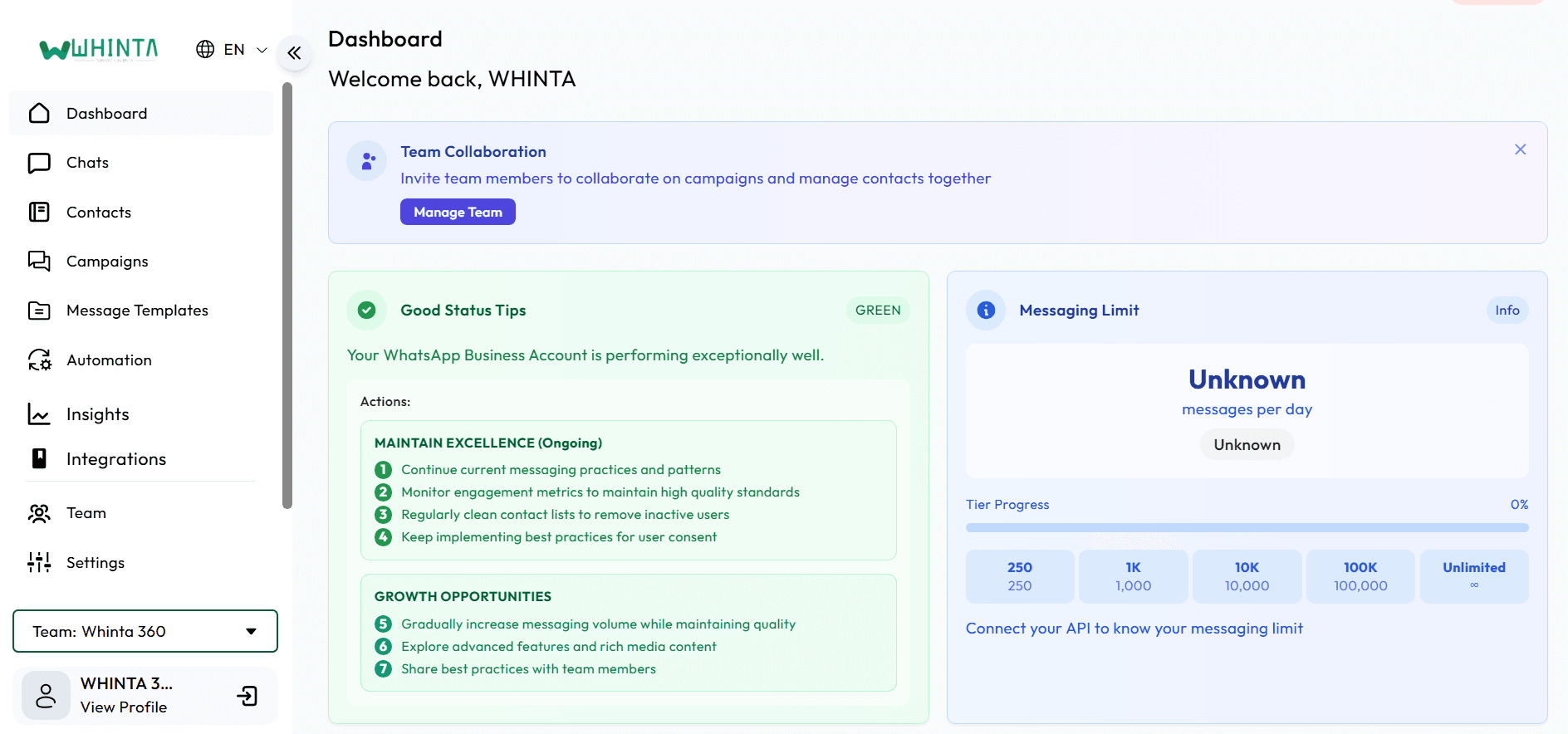
Power your business with WhatsApp Broadcasts, AI Chatbots, Automation, CRM integrations, and Official WhatsApp Business API — all from one powerful platform.
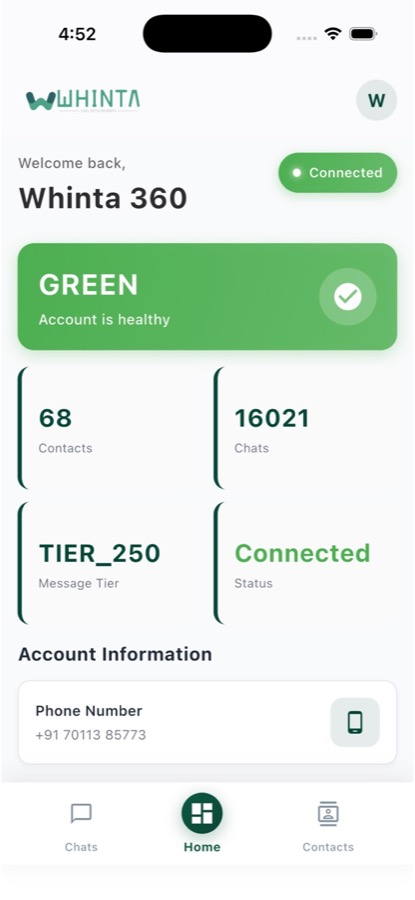
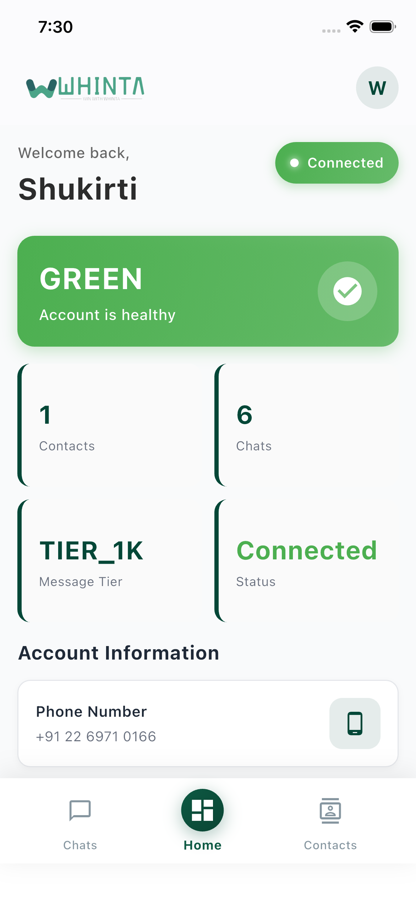
Download the Whinta app for broadcasts, lead management, and your shared WhatsApp inbox—built for teams who live on mobile as much as the dashboard.


Integrations
Connect Whinta to the stack you already run — sync contacts, orders, and campaigns without rebuilding your workflow.





Product walkthrough
Watch a short product walkthrough to see broadcasts, flow builder, shared inbox, and commerce workflows in action.
Connect your WhatsApp Business API account and configure your first broadcast or chatbot flow with step-by-step onboarding.
Use the visual flow builder, broadcast manager, and team inbox to handle marketing, sales, and support from one place.
Track campaign performance, conversation outcomes, and team productivity with clear, actionable analytics inside Whinta.
Platform
Messaging, automation, payments & analytics for sales, support, and commerce — in one platform.
Send policy-safe WhatsApp broadcasts to segmented lists: templates, throttles, and read tracking so every blast drives revenue without burning deliverability.
Let an intelligent bot qualify leads, answer FAQs, and hand off to humans with full context — guardrails keep tone on-brand and conversations compliant.
Earn the verified badge on your WhatsApp Business profile so customers trust they are talking to your real brand, not an impersonator.
Instant keywords, greetings, and routing rules keep you available 24/7 while serious chats escalate to your team with full history.
Live delivery, reads, taps, and funnel metrics so you adjust campaigns in the moment instead of waiting for end-of-week reports.
Roles, queues, and permissions that scale with headcount — managers see health, agents see only what they own.
One timeline for every WhatsApp thread: assign, note internally, and avoid duplicate replies across sales and support.
Make calls directly from WhatsApp chats and keep track of every conversation with call recordings by Smartflo sync.
Turn chats into trackable tickets with priorities, SLAs, and closure proof so nothing slips when volume spikes.
Webhooks and APIs to sync Whinta with your CRM, orders, and data warehouse — reliable retries and clear docs for engineers.
Wall of love
Real outcomes from brands using broadcasts, shared inboxes, and flows — without losing the human feel of chat.
Whinta automated our studio client bookings and enquiry responses directly on WhatsApp. Our booking conversion rate increased by over 40%!

The WhatsApp AI flows and automated follow-ups saved our consultancy hours every day. Lead qualification happens seamlessly in seconds.

Whinta automated our studio client bookings and enquiry responses directly on WhatsApp. Our booking conversion rate increased by over 40%!
The WhatsApp AI flows and automated follow-ups saved our consultancy hours every day. Lead qualification happens seamlessly in seconds.
In chat
The same straight talk you’d expect in a thread — policy, inbox, templates, and rollout, in plain language.
Customer
Whinta
Customer
Whinta
Customer
Whinta
Customer
Whinta
Customer
Whinta
Customer
Whinta
Customer
Whinta
Customer
Whinta
Customer
Whinta
Customer
Whinta
Real chats, not stock screenshots
Customers do not wake up wanting another dashboard — they want fast answers in WhatsApp. Whinta keeps your brand inside that familiar green chat: guided flows, real typing states, and checkout moments that feel native, not bolted on.


